
Clients
Use Blogs City on Windows, iPhone, or Android.
Blogs City Desktop (Windows)
Dedicated window for Blogs City with auto-updates.
Requires Windows 10+ and an internet connection.
Download for WindowsBlogs City iPhone client
Install via Safari Add to Home Screen — no App Store required.
Requires iOS 16+ and the Safari browser.

Scan with iPhone to open the site in Safari, then Add to Home Screen.
https://blogs.city
View install steps
Follow these steps to add Blogs City as a home-screen app icon:
- Open the site: On your iPhone, open blogs.city in Safari, sign in, and go to your blog home page.
- Open Share: Tap the Share button at the bottom center (square with an upward arrow).
- Add to Home Screen: Scroll down in the sheet and tap Add to Home Screen.
- Confirm: Tap Add in the top-right corner. Blogs City appears as a standalone app icon on your home screen.
Blogs City Android client
Standalone app for Blogs City via WebView shell; sideload install.
Requires Android 7+ and an internet connection; allow unknown sources to install.
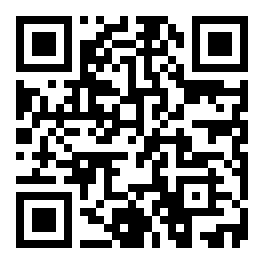
Scan with Android to download the APK. Allow unknown sources before install.
https://blogs.city/download/blogs-city.apk